Teal Saree Portrait Prompt in a Lattice-Window Corridor
Copy the Saree Photo Prompt below and paste it into Gemini along with your own photo.
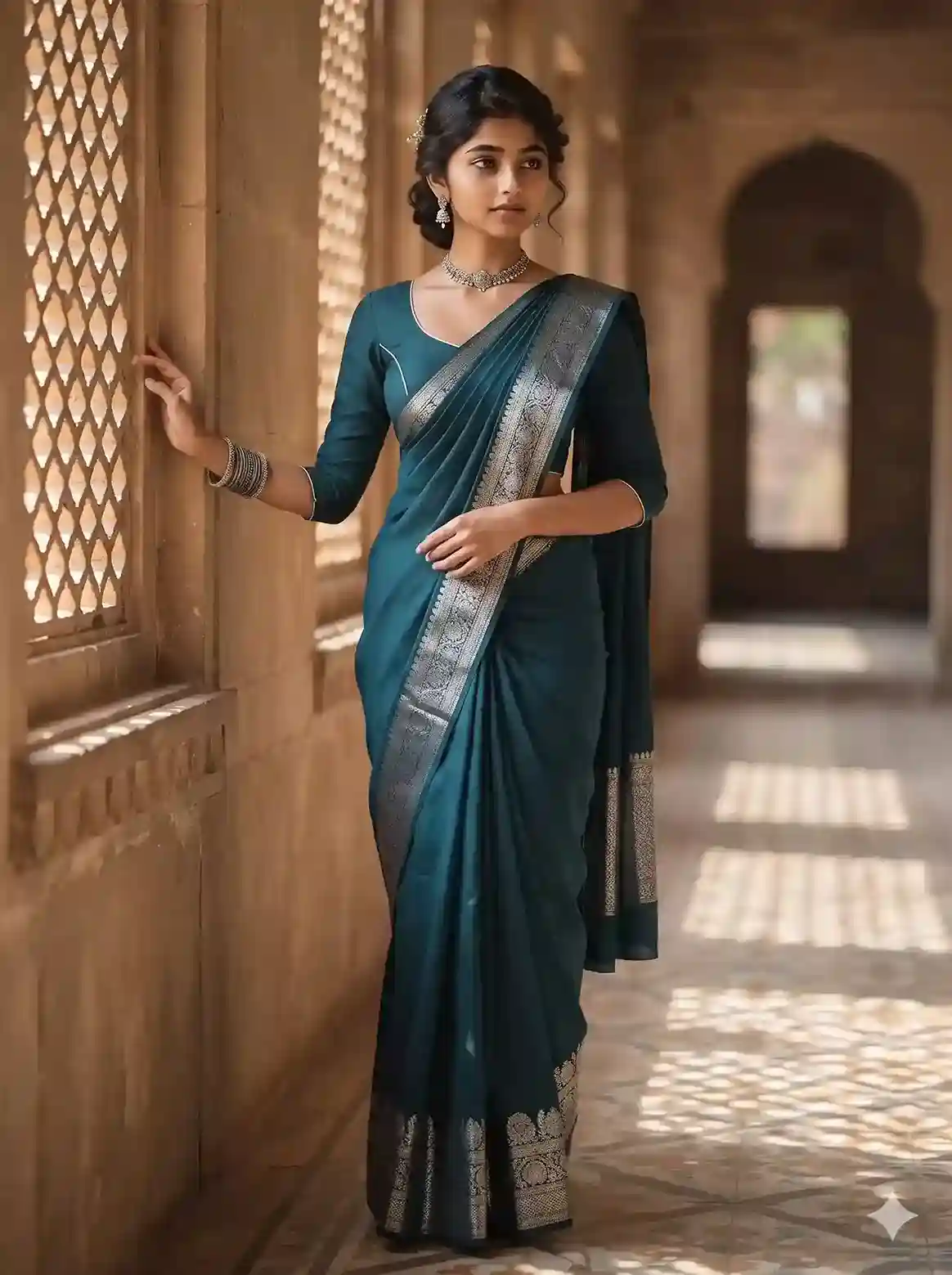
Create a full-length vertical realistic portrait inspired by the uploaded reference image, preserving the subject's facial features, natural skin tone, and calm expression while maintaining a natural, graceful look. The subject has dark hair styled in a low updo with soft front strands and a small hair accessory, wearing a silver-toned choker necklace, dangling silver-toned earrings, and stacked bangles on her right wrist. She wears a deep teal draped saree with a metallic silver-toned border along the pallu and drape edge and a detailed silver-toned motif band near the lower hem, paired with a matching deep teal three-quarter-sleeve blouse finished with thin white piping along the seams and cuffs. She stands in a long corridor beside a warm stone wall with carved geometric lattice windows, resting her right hand lightly against the wall near her waist and holding her left hand gently near her front drape as she looks slightly to the side with a soft expression. The scene features a patterned tile floor catching dappled light and soft shadows, warm natural daylight streaming through the lattice openings, a gently receding hallway with an arch in the background, and natural depth of field. Keep natural skin texture, realistic fabric folds, and balanced warm-and-cool color tones. Vertical 3:4 aspect ratio.
Best with: Gemini
Warm light filtering through carved lattice openings meets the cool depth of a teal saree with a silver-toned border in this full-length corridor portrait. Copy the prompt below and use it with Gemini AI or another compatible image-editing or image-generation tool to generate a portrait with a similar pose, lighting pattern, and architectural setting.
Check out our other related prompts
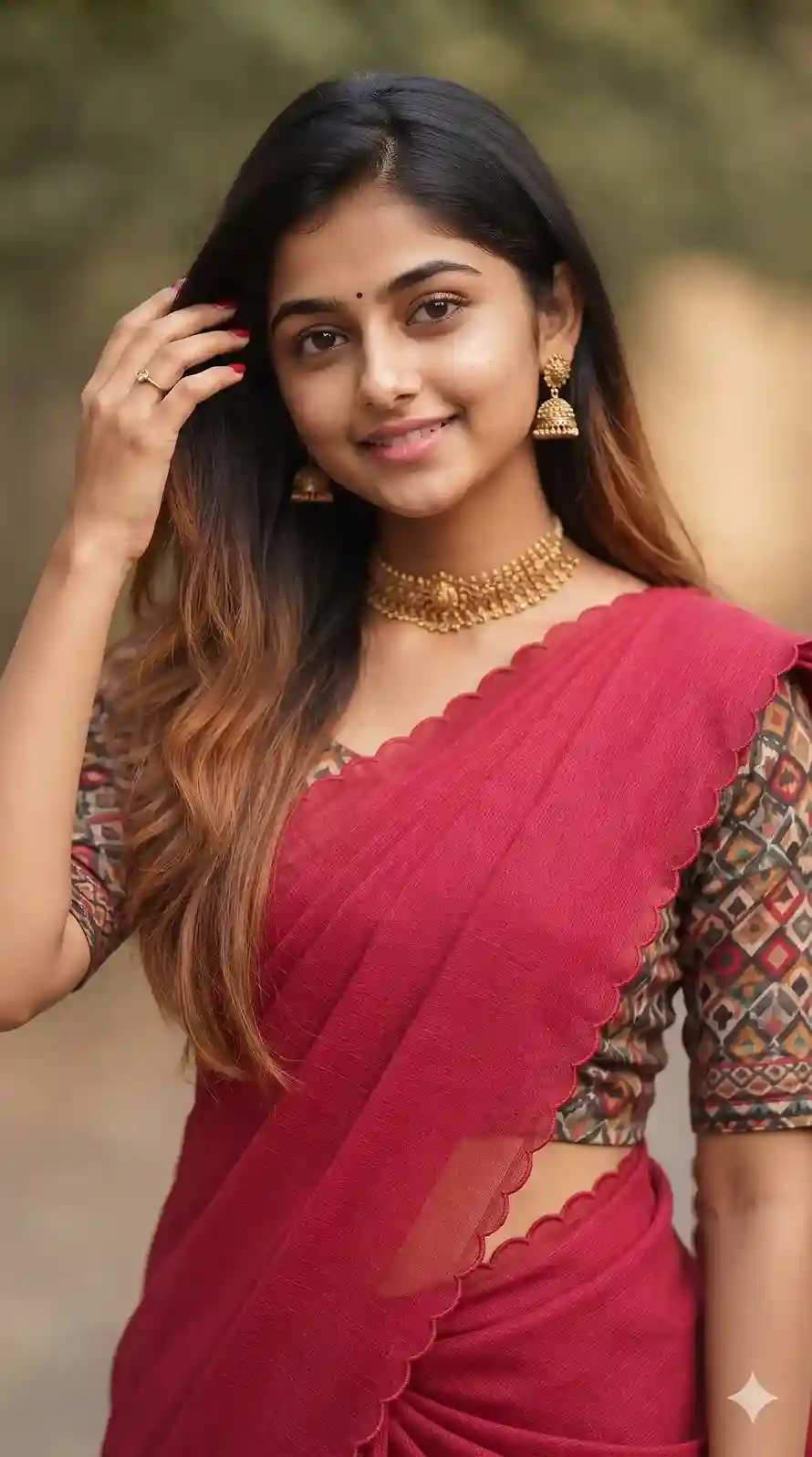
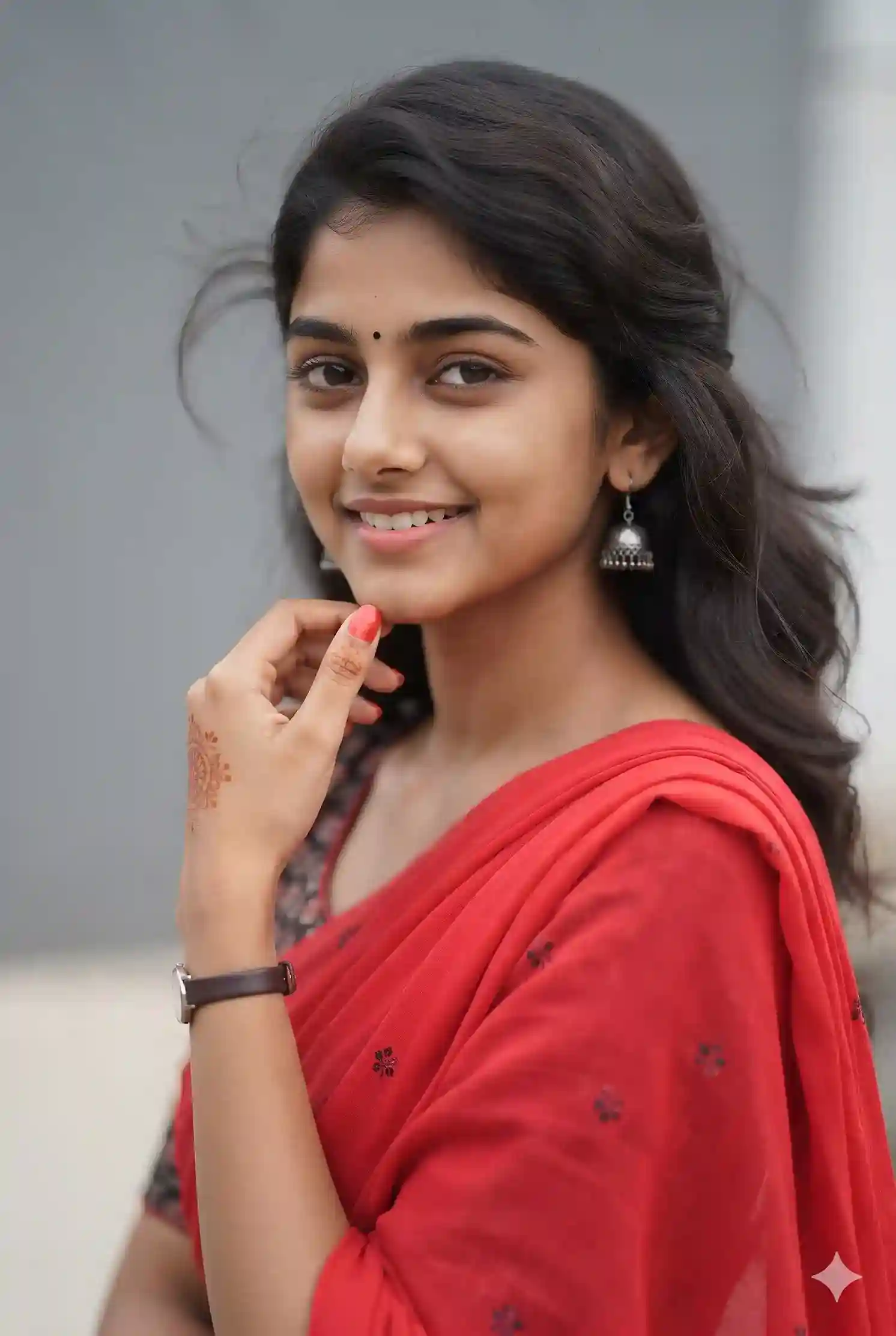
- Red Saree Portrait Prompt with Chin-Touch Pose and Soft Bokeh
- Red Saree Portrait Prompt with Chin-Touch Pose and Soft Bokeh
What This Saree Prompt Creates
The resulting image places the standing subject along a quiet corridor where warm sandstone and dappled lattice light contrast against the rich teal cloth and silver-toned trim. Because the hallway recedes into soft focus toward a distant arch, the full drape, lower border pattern, and hand placement remain easy to read from head to toe.
How Light and Architecture Shape This Saree Look
The corridor gives the full-length pose room to breathe, stretching from the patterned floor tiles in the foreground toward an arched opening further down the passage. Light passing through the perforated wall panels casts delicate geometric patches across the stone surface and floor while keeping the subject framed cleanly against the vertical wall line.
Her low hair bun, silver-toned choker, dangling earrings, and stacked bangles keep the styling cohesive with the teal saree’s silver-toned border and decorative lower hem.
What Makes This Photography Style Special
The contrast between warm, textured stone and cool teal fabric anchors the frame, while the carved lattice openings break up the light into gentle patterns rather than harsh glare. Framing the full body inside a receding corridor adds quiet depth and draws the eye naturally along the length of the saree.
Who Can Try This Style
This prompt fits people looking for a calm, full-length traditional portrait with architectural light, silver-toned jewelry accents, and a flowing draped silhouette. It works well for personal portraits, festive-inspired edits, or creative visual experiments set in classic indoor-outdoor passageways.
How to Use This AI Saree prompt
- Tap Copy prompt above to copy the full prompt text.
- Open Gemini and start a new conversation.
- Upload the reference photo you wish to create or transform.
- Paste the prompt and generate your image.
Tips for Best Results
- Match Lighting: A source photo taken in similar lighting conditions produces the cleanest result.
- Use High Resolution: Start with the sharpest photo you have for maximum detail retention.
- Clear Frontal Photo: Upload a well-lit, sharp photo without sunglasses or heavy filters so the AI captures facial features accurately.
- Preserve Face Identity: Ask the AI to keep the facial structure and natural features 100% identical to the reference photo.
- Customize Details: Feel free to tweak prompt details (clothing color, age, haircut) to match your personal preferences.